
You open your laptop to start an essay. Twenty minutes later, you have eight tabs open, three of which you don't remember opening, and you've written exactly one sentence. Sound familiar? Most students don't have a focus problem. They have a workflow problem. The way assignments get done in 2026 — bouncing between Google Docs, ChatGPT, Notion, a PDF reader, your university portal, and whatever notes app you used last week — is genuinely exhausting. And it costs more time than most students realize. This article breaks down exactly why fragmented workflows slow you down, what a better system looks like, and how to finish assignments faster without losing your mind in the process.
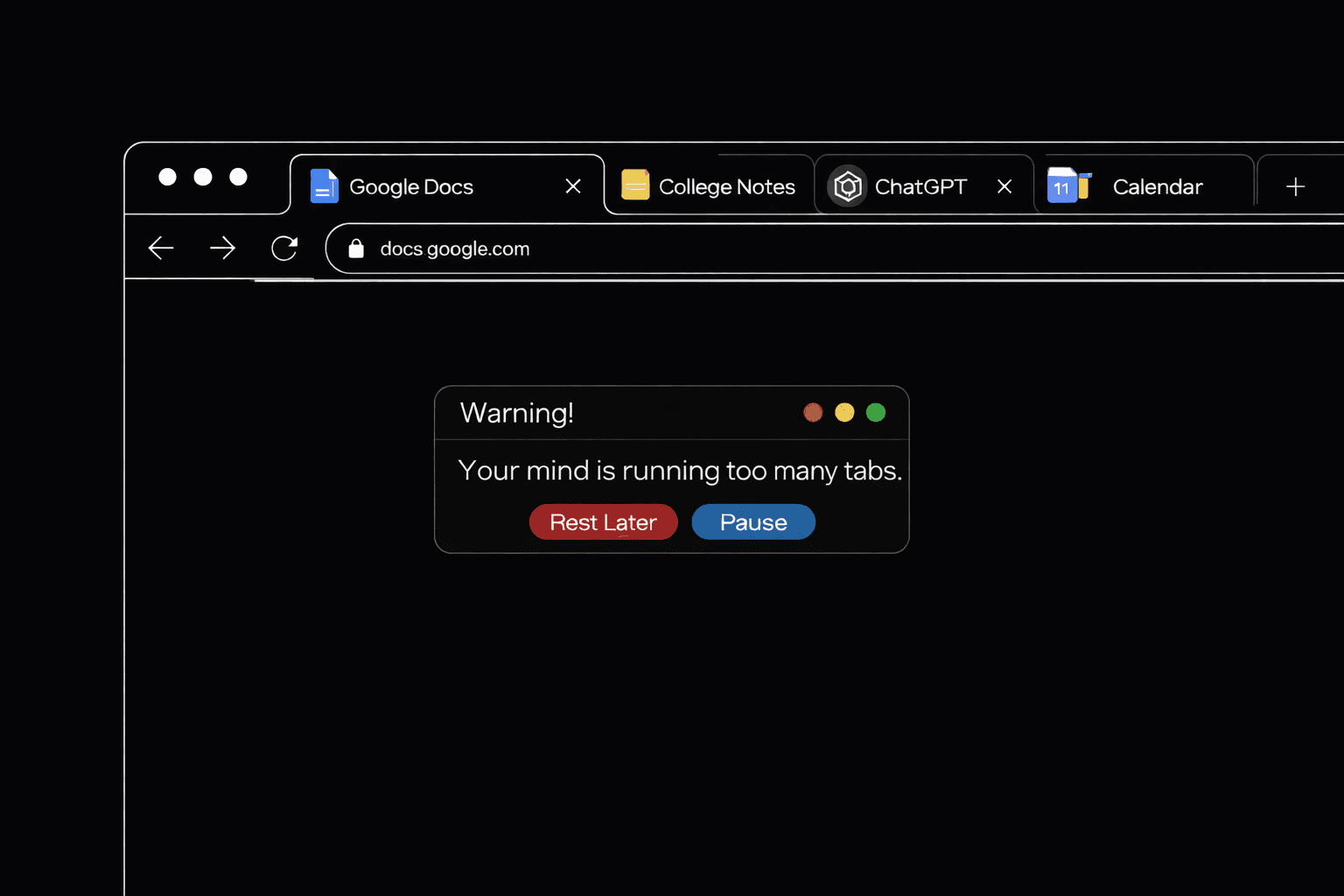
You have multiple tabs open. One has the assignment brief. Three are PDF readings. Two are AI chats. One is your draft in Google Docs. One is the deadline in your LMS. The rest you can't even remember opening.
By the time you find your place again, you've lost twenty minutes. You haven't written a sentence.
If you actually want to know how to finish assignments faster, the answer usually isn't a new AI tool or another productivity hack. It's stopping the constant switching that breaks your focus every few minutes. This post covers why scattered workflows slow you down, what a cleaner setup looks like, and how to reorganize your tools so you can finish what you start.
Why tab-switching makes assignments take twice as long
Every time you switch context, your brain pays a tax. Research from the University of California found it takes over 20 minutes to fully refocus after an interruption. Most students interrupt themselves dozens of times an hour just by alt-tabbing between a draft and a source.
You feel busy. The work isn't moving.
The hidden cost of context switching
Think about what a normal essay session looks like. You open the assignment brief. You re-read the rubric. You switch to your notes app to find your lecture outline. You pull up a PDF. You remember a question for an AI, so you open a chat. You come back to the draft and forget what you were about to write.
That loop happens maybe ten times an hour. Each switch drops you back into the task at a lower level of focus than where you left off. The actual writing gets squeezed into the gaps.
What a typical student workflow looks like
A student writing a 2,000-word paper on sustainability policy might have Google Docs, Notion, three PDFs in a browser, ChatGPT, their university portal, Spotify, a group chat in Slack, and probably Instagram "just to check something real quick." None of these talk to each other.
The PDF doesn't know about the draft. The AI chat doesn't know what the professor actually asked for. The notes app has useful quotes from last week that you'll never find again.
This is the quiet productivity killer no one warns freshmen about.
What a better study workflow for students actually looks like
The fix isn't more tools. It's fewer, better-connected ones.
A good study workflow follows one rule: everything you need for a single assignment should live in one window. Your draft, your sources, your AI helper, your deadline. All visible. All connected.
When you do that, three things change. Writing becomes less choppy because you stop losing your train of thought. Research becomes faster because you can ask questions directly about the PDF you uploaded instead of copy-pasting chunks into another app. And deadlines stop sneaking up on you because they live next to the work, not buried in a calendar tab.
Fragmented workflow vs all-in-one workflow
Here's what the difference looks like in practice.
Fragmented workflow: You open your draft. You realize you need a source. You go to a PDF reader. You find a quote. You copy it. You paste it into a chatbot to rephrase. You paste the result back into your doc. You double-check the citation in a third tab. You look up the deadline in your LMS. Thirty minutes in, you've added two sentences.
All-in-one workflow: You open your draft. Your PDFs are already attached. You ask the built-in AI to find the quote for you. You write the sentence yourself. The deadline countdown is right there in the same view. Thirty minutes in, you've finished a section.
Same student. Same assignment. Different setup.
How an all-in-one student tool changes the game
This is the part where I stop describing the ideal setup and mention the tool that actually saves from tab chaos.
lluna is an all-in-one student tool that keeps writing, notes, AI chat, and deadlines in one place. Everything autosaves as you type, so you're not opening five different files to find your last draft.
A few features worth mentioning, because they map directly onto the tab problem.
Writing and AI in the same view
The Side Panel Assistant lets you keep your document open while chatting with AI beside it. You don't flip windows to ask a question about your own draft. The draft and the AI are in the same view. This alone changes how revision feels.
Upload your readings and ask questions directly
Drop in lecture notes, PDFs, or essays. Then ask questions. "Summarize the argument on page 4." "Find every mention of carbon pricing." "What does the author say about enforcement?" You don't paste five pages into a chat. The AI already has the document.
Switch between AI models without losing context
lluna supports GPT, Claude, Gemini, and DeepSeek. You can swap between them with one click and keep the full conversation. When Claude gives a cautious answer, switch to GPT and keep going. When GPT gets repetitive, try DeepSeek. You never re-explain your assignment from scratch.
Turn your readings into flashcards instantly
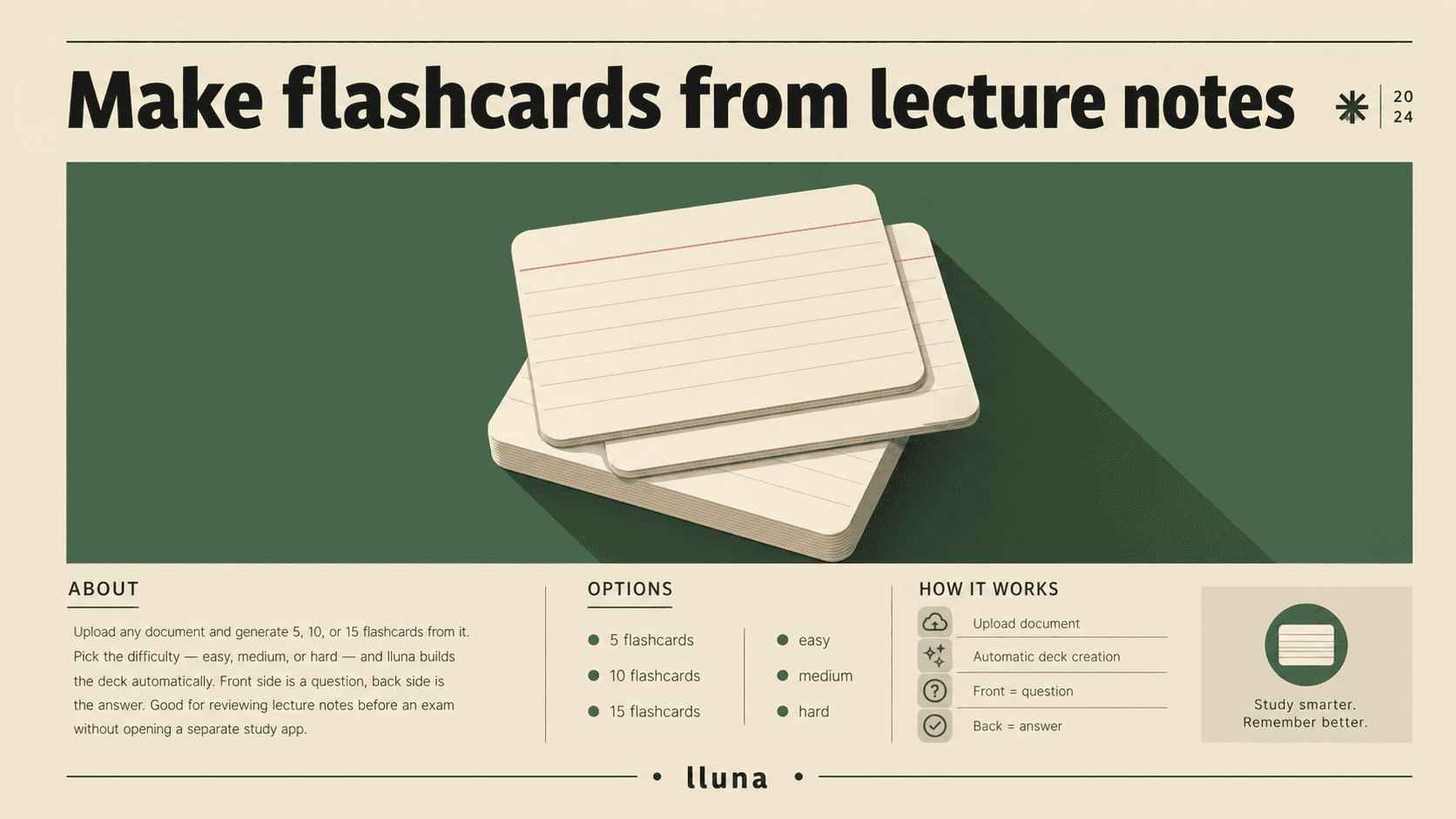
Upload any document and generate 5, 10, or 15 flashcards from it. Pick the difficulty — easy, medium, or hard — and lluna builds the deck automatically. Front side is a question, back side is the answer. Good for reviewing lecture notes before an exam without opening a separate study app.
Instant assignment analysis
Upload the assignment brief and Assignment Analyze pulls out what's actually being asked, suggests a structure, and explains the rubric without you having to prompt for it. Helpful when the instructions are three pages of vague expectations.
Deadlines you can actually see
The Live Deadline Tracker shows a countdown for every assignment. You see it next to your draft, not three menus deep in your LMS. It's the difference between remembering a deadline and being ambushed by one.
None of these features are revolutionary on their own. Other tools do each piece. The point is having them in one window so you stop losing twenty minutes a session to navigation.
How to finish assignments faster, starting this week
You don't have to overhaul everything to feel the difference. Four habits help.
Pick one workspace and stay in it
Choose where your draft lives and don't move it. Whether that's lluna, Google Docs, or a plain text editor, commit to one place per assignment. Moving drafts between tools loses formatting and wastes time.
Batch your research before you write
Gather all your sources first. Skim them, mark the useful parts, and have them ready before you open the blank page. Research-while-writing is the single most common cause of tab explosion.
Use AI as a thinking partner, not a ghostwriter
Ask it to help you outline, explain concepts you're stuck on, or critique a paragraph you wrote. Don't ask it to write whole sections for you. The work is faster when AI clarifies your thinking instead of replacing it. Your professor is also less likely to flag it, and you'll actually learn something.
Get every deadline into one view
Whatever system you use, put every due date into one list you actually see. A homework organizer app, a calendar you check daily, or the deadline tracker in an all-in-one student tool all work. The format matters less than visibility.
If you do those four things, you'll finish faster. Not because you're working harder, but because you've cut out the wasted motion that was eating your sessions.
That's the real answer to how to finish assignments faster in college: fewer tabs, one workspace, and AI that actually knows what you're working on.
Frequently asked questions
Does using an AI writing assistant for students count as cheating?
It depends on your school's policy. Most universities allow AI for brainstorming, outlining, and editing, but not for generating final text you pass off as your own. Use it to think through ideas and review drafts. Write the actual words yourself.
What's the best student productivity app if I keep forgetting deadlines?
Any tool with a visible countdown beats a calendar you never open. lluna's Live Deadline Tracker keeps due dates next to your draft, which is harder to ignore than a notification. Any assignment organizer for students that puts deadlines inside your main workspace will help.
How do I stop opening so many tabs while studying?
The fastest fix is consolidating your tools. If your draft, research, and AI help all live in one window, you physically can't reach 10 tabs. Start by picking one workspace for writing and one for reading. Resist opening a third.
Is an all-in-one student tool better than using separate apps?
For most students, yes. Specialist tools sometimes have more features, but the time you save by not switching between them usually outweighs what you lose. The exception is if you already have a fast workflow with separate tools and the muscle memory to match.
Can I upload PDFs and long readings?
Yes. In lluna you can upload lecture notes, journal articles, or textbook chapters and ask questions directly. The AI uses the document as context, so you don't paste sections into a chat window.
How much time can I actually save by cutting tab-switching?
Hard to promise a number, but 20 to 30 percent on a typical essay session is realistic. Most of the savings come from not losing your place and not re-explaining context to different AI chats.
Try a cleaner workflow
If you're tired of working across 10 tabs and want to see what a cleaner workflow feels like, try lluna.app. Write your essay, upload your readings, track your deadlines, and ask AI questions without leaving the page. It's free to start, and you'll probably notice the difference on your first assignment.